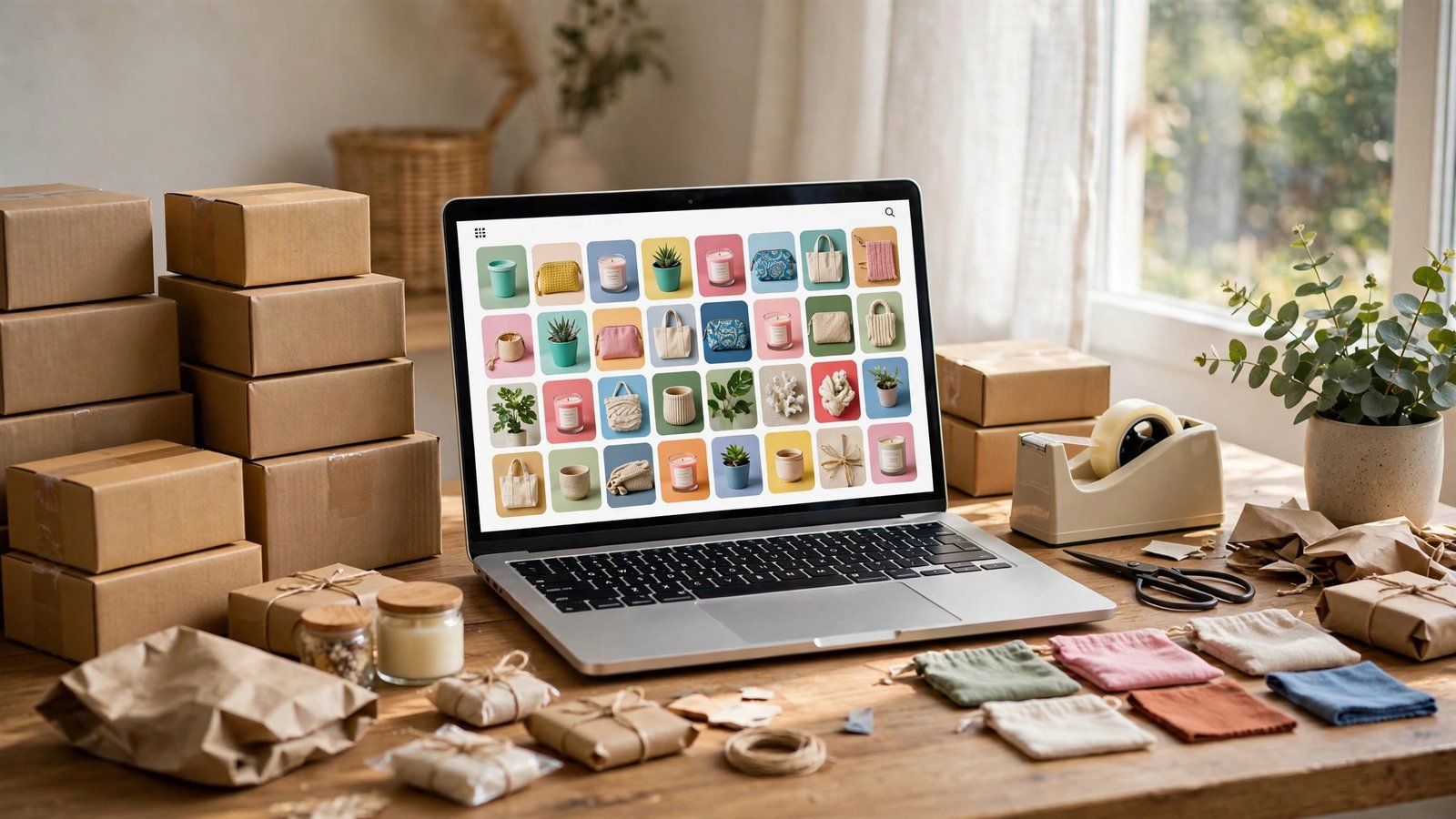

Figuring out how to start an online store with no money sounds like a contradiction — every “free” platform seems to turn into a monthly bill the moment you make a sale. But it genuinely is possible to launch in 2026 without spending a dollar upfront. The trick is choosing the right business model: one where you never touch inventory, never pre-pay for stock, and only pay fees after a customer has already paid you.
This guide shows you exactly how to do it — the zero-inventory models that work, the free platforms worth using, how to validate demand before you build anything, and the free traffic channels that can bring your first sales. Honest warning included: free to start doesn’t mean effortless. Your investment is time, and you’ll need plenty of it.
How to Start an Online Store With No Money: The Honest Answer
Most guides gloss over this, so let’s be blunt. Traditional ecommerce — buy inventory wholesale, store it, ship it yourself — cannot be done with zero money. You need capital for stock. But three models sidestep inventory entirely:
- Dropshipping: you list products; a supplier ships them directly to your customer only after an order comes in. You never buy stock upfront.
- Print on demand (POD): you create designs; a print partner makes the t-shirt, mug, or poster only when someone orders it.
- Digital products: you create ebooks, templates, printables, or presets once, then sell unlimited copies with zero fulfillment cost.
All three share the same economics: your costs are per-sale fees taken out of revenue you’ve already earned. If you sell nothing, you spend nothing. That makes them the only honest answer to starting with no money — and it’s the same “start with what you have” logic behind our guide to starting a cleaning business with no money.

Step 1: Choose Your Zero-Inventory Model
Don’t try to do all three. Pick the one that matches your skills:
- Good at spotting trends and marketing? Dropshipping rewards fast testing and ad-free social selling.
- Creative — design, illustration, witty slogans? Print on demand turns that into wearable products.
- Knowledgeable about something specific? Digital products (planners, templates, guides, presets) have the best margins of the three.
Then narrow to one niche. “Phone accessories” is not a niche; “funny cat-lover t-shirts” or “budget wedding planning templates” is. A tight niche makes every later step — design, listings, marketing — ten times easier, a principle that also applies to small business ideas for small towns, where focus beats breadth.
Step 2: Validate Demand Before You Build Anything
This step is free and saves weeks. Before setting up a store, confirm that real humans want what you’ll sell:
- Search the marketplaces. Check Etsy, Amazon, and TikTok Shop for your product type. Lots of sellers with recent reviews = demand exists. Zero sellers can mean either an open opportunity or no demand — dig into which.
- Read the complaints. One-star and three-star reviews on competing products are a goldmine: they tell you exactly what to do better in your own listings.
- Test with a pre-sale page. A free landing page (Carrd’s free tier or even a Google Form) describing your product with an “email me when it launches” button tells you within days whether anyone cares. No signups, no store.
- Lurk where buyers hang out. Reddit subreddits, Facebook groups, and TikTok comments in your niche reveal the exact language customers use — which you’ll reuse in your product titles.
Step 3: Set Up Your Free Store
Here’s the real landscape for free store platforms — what “free” actually means for each:
| Platform | Free option | The catch |
|---|---|---|
| Big Cartel | Free plan for up to 5 products | Limited catalog; paid plans unlock more |
| Gumroad | Free to start | Takes a percentage fee on each sale; best for digital products |
| Payhip | Free to start | Takes a percentage fee on each sale; best for digital products |
| Ecwid | Free plan for a small catalog | Advanced features require paid tiers |
| Square Online | Free plan available | Transaction fees apply; upsells to paid features |
| WooCommerce | Free plugin | You still need paid web hosting to run it |
| Shopify | Free trial period | Converts to a paid monthly plan after the trial |
For a deeper walkthrough of the free-tier landscape, this 2026 guide to starting an online store with no money compares the options in detail.
Practical picks: selling five or fewer physical products? Big Cartel’s free plan is the most honest free storefront. Selling digital downloads? Gumroad costs nothing until you sell. Either way, use a free logo from Canva, write a one-sentence tagline, and don’t obsess over design — at this stage, your product listings matter far more than your theme.
Step 4: Write Product Listings That Convert
Your listing does the selling, so treat each one like a tiny sales page:
- Photos first. For POD, generate clean mockups (Printful and Printify both offer free mockup generators). For digital products, show the product in use — a planner shown filled in beats a blank cover. Natural light and a tidy background beat expensive equipment.
- Titles for humans and search. “Funny Cat T-Shirt for Women, Crazy Cat Lady Gift, Cotton Tee” beats “Cat Shirt.” Front-load the words buyers actually type.
- Descriptions that answer questions. Material, sizing, what’s included, how delivery works (digital: instant download; POD/dropshipping: production + shipping times), and your return policy. Every unanswered question is a lost sale.
- Price with the fees in mind. Platform transaction fees come out of your revenue, so price to leave yourself margin after fees. Check what comparable products sell for and position yourself in the same band — undercutting everyone is a race to the bottom you can’t win with no budget.
If you’re going the print-on-demand route, Printful is one of the established fulfillment partners with free setup — you only pay when an order comes through.
Step 5: Drive Free Traffic
With no ad budget, your marketing is content. Pick one channel and post consistently for at least 60 days before judging it:
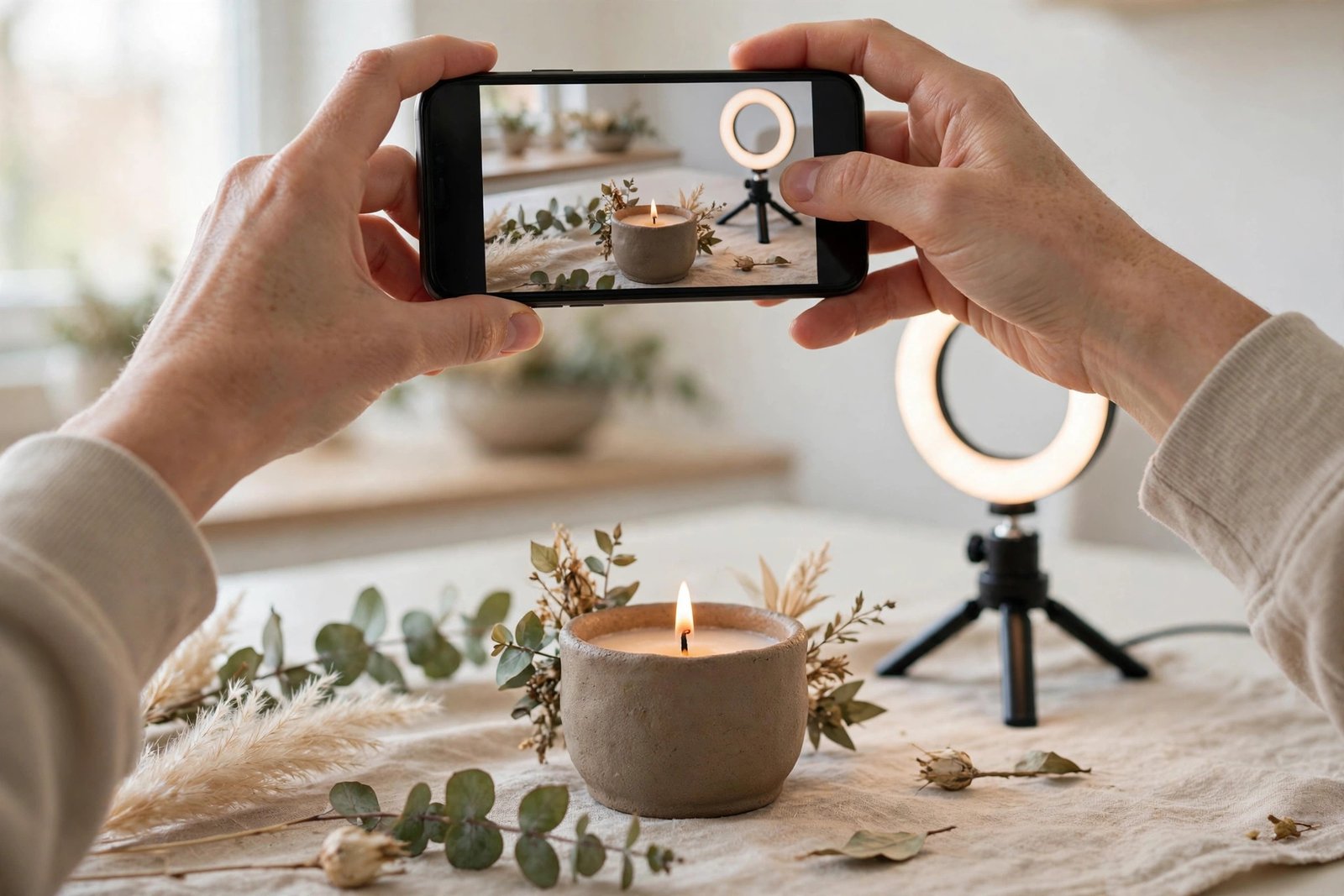
- TikTok and Reels: short product demos, packing orders, “would you buy this?” polls. Organic reach is still the fastest free lever for physical products.
- Pinterest: evergreen visual search — one good pin can drive traffic for months. Especially strong for POD designs, printables, and templates.
- SEO blogging: write genuinely useful content around your niche (“how to plan a wedding on a budget” if you sell wedding templates). Slow to start, compounds forever.
- Communities: Reddit, Facebook groups, Discord servers in your niche. Give real value first; mention your store only where it’s genuinely relevant. Spam burns the account and the reputation.
The unifying rule: show the product in action, don’t just announce that it exists. A 15-second video of someone actually wearing your shirt design will outsell a static “new drop!” post every time.
Step 6: Hit Your First-Sale Milestones
Set concrete targets so you know whether it’s working:
- First 100 store visitors. If nobody visits, it’s a traffic problem — post more, in more places.
- First 10 email signups or followers. Proof that strangers find the offer interesting.
- First sale. Celebrate it, then immediately ask: where did they come from? Do more of that.
- First 10 sales. Now you have data — which product sells, what buyers ask about. Reinvest the profit into small upgrades: a custom domain, better mockups, or your first tiny ad test.
The goal of the $0 phase isn’t to stay free forever — it’s to make your first sales before spending anything, then let profit fund the upgrades. That’s also the mindset in our roundup of side hustles you can start with no money: validate first, invest second.
Mistakes That Kill $0 Stores
- Selling to “everyone.” No niche, no message, no customers. Narrow down until your target buyer is a specific person.
- Skipping validation. Building a full store for a product nobody wants is the most expensive free mistake there is — it costs weeks.
- Thin, copy-paste listings. Supplier-provided descriptions (common in dropshipping) are duplicated across hundreds of stores and convert poorly. Rewrite everything.
- Ignoring shipping times. If your supplier takes three weeks, say so upfront. Surprised customers leave one-star reviews; informed ones are patient.
- Quitting at week two. Free traffic compounds. Almost nobody’s first month looks like anything — the stores that survive are the ones still posting in month three.
What It Really Costs to Launch
Here’s the honest math, visualized. For each zero-inventory model, the upfront platform cost is literally zero — you only pay per-sale fees out of money customers have already given you:
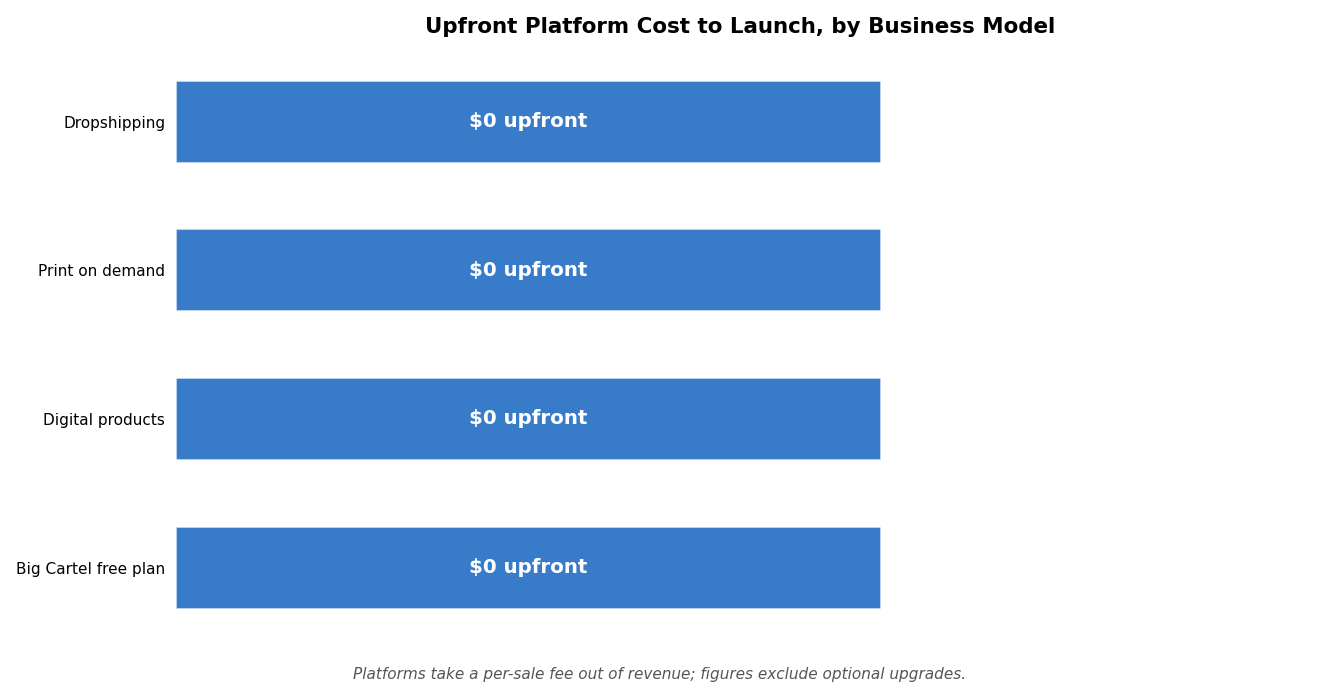
The “catch” column in the platform table above is where the real costs hide: transaction fees, optional upgrades, and eventually your own time. But the barrier to starting — to getting a real store in front of real customers — is genuinely $0. What it demands instead is consistency: validate, list, post, learn, repeat.
Frequently Asked Questions
Can I really start an online store with absolutely no money?
Yes, if you choose a zero-inventory model (dropshipping, print on demand, or digital products) and a genuinely free platform tier like Big Cartel’s free plan or Gumroad. You’ll pay transaction fees on each sale, but those come out of revenue, not your pocket. What you can’t avoid investing is time.
Which is better for beginners: dropshipping, print on demand, or digital products?
Digital products have the best margins and no fulfillment headaches, but they require real expertise to create. Print on demand is the friendliest creative starting point. Dropshipping is the most competitive and demands the most marketing skill. Match the model to what you’re actually good at.
How long until I make my first sale?
There’s no guaranteed timeline, but sellers who post consistently on one free traffic channel typically see their first sale within a few weeks to a couple of months. If you’ve had hundreds of visitors and zero sales, the problem is usually the offer or the listings — not the traffic.
Do I need a business license to start?
Requirements vary by location, and this isn’t legal advice — but in many places you can start as a sole proprietor and formalize once revenue justifies it. Check your local rules before you scale, especially around sales tax collection.
What about Shopify’s free trial?
Shopify’s trial is useful for learning the platform, but it converts to a paid plan — so it’s a testing tool, not a free home for your store. If you truly can’t pay a monthly fee yet, start on a permanently free tier and migrate once sales cover the cost.
How do I handle customer service with no team?
Keep it simple: a dedicated email address, a short FAQ page answering the top five questions, and a habit of replying within 24 hours. At small volume, fast personal replies are actually an advantage over big stores — customers remember them.
Conclusion
Starting an online store with no money is genuinely possible in 2026 — not as a loophole, but as a straightforward consequence of zero-inventory business models and free platform tiers. Pick one model, validate demand before you build, set up your free storefront, write listings that answer real questions, and market with consistent free content. The financial barrier is gone. What’s left is the work: showing up, posting, and improving for long enough that the compound effect kicks in. Start today — your only real investment is time, and the returns on that investment can be life-changing.




[…] note where you are in the product lifecycle. This section pairs naturally with thinking about starting an online store if your products will sell through […]