

You know the room. The one at the far end of the house where video calls freeze, streaming drops to a blur, and your phone clings to one bar of signal. The wifi extender vs mesh wifi question is how most people try to fix that room — and it is also where most people buy the wrong thing, because the two products look like solutions to the same problem and they are not. One patches a single weak spot. The other replaces your whole home network. This guide explains how each one actually works, what each one costs in 2026, how much speed you really lose with each, and how to tell — before you spend anything — which fix matches your house.
WiFi Extender vs Mesh WiFi at a Glance
A WiFi extender is a single plug-in box that picks up your router’s signal and rebroadcasts it into a nearby dead zone. It keeps your existing router, costs little, and fixes one or two rooms. A mesh WiFi system replaces your router with two or more units that work together as one network, handing your devices from node to node as you move through the house. It costs more, covers the whole home, and keeps speeds closer to full.
| Feature | WiFi Extender | Mesh WiFi |
|---|---|---|
| What it does | Rebroadcasts your router’s existing signal into one area | Replaces your router with 2+ units forming one network |
| Network name | Often a second network name you must switch to | One network name throughout the house |
| Speed in the far room | Roughly half on most plug-in dual-band models | Near full on tri-band or wired backhaul |
| Coverage | One or two rooms | 2-node systems typically 3,000–4,500 sq ft; 3-node up to 5,000–6,000 sq ft |
| Roaming | Manual — devices often cling to a weak signal | Automatic handoff between nodes |
| Replaces router? | No — your router stays | Yes — the mesh system becomes your router |
| Typical cost (2026) | $30–$120 | WiFi 6 2-packs from about $100–$150; WiFi 7 3-packs $360–$500 |
| Best for | Renters, one dead room, a router you cannot replace | Multi-story homes, several dead zones, plans above 300 Mbps |
How a WiFi Extender Works — and Why It Loses Speed
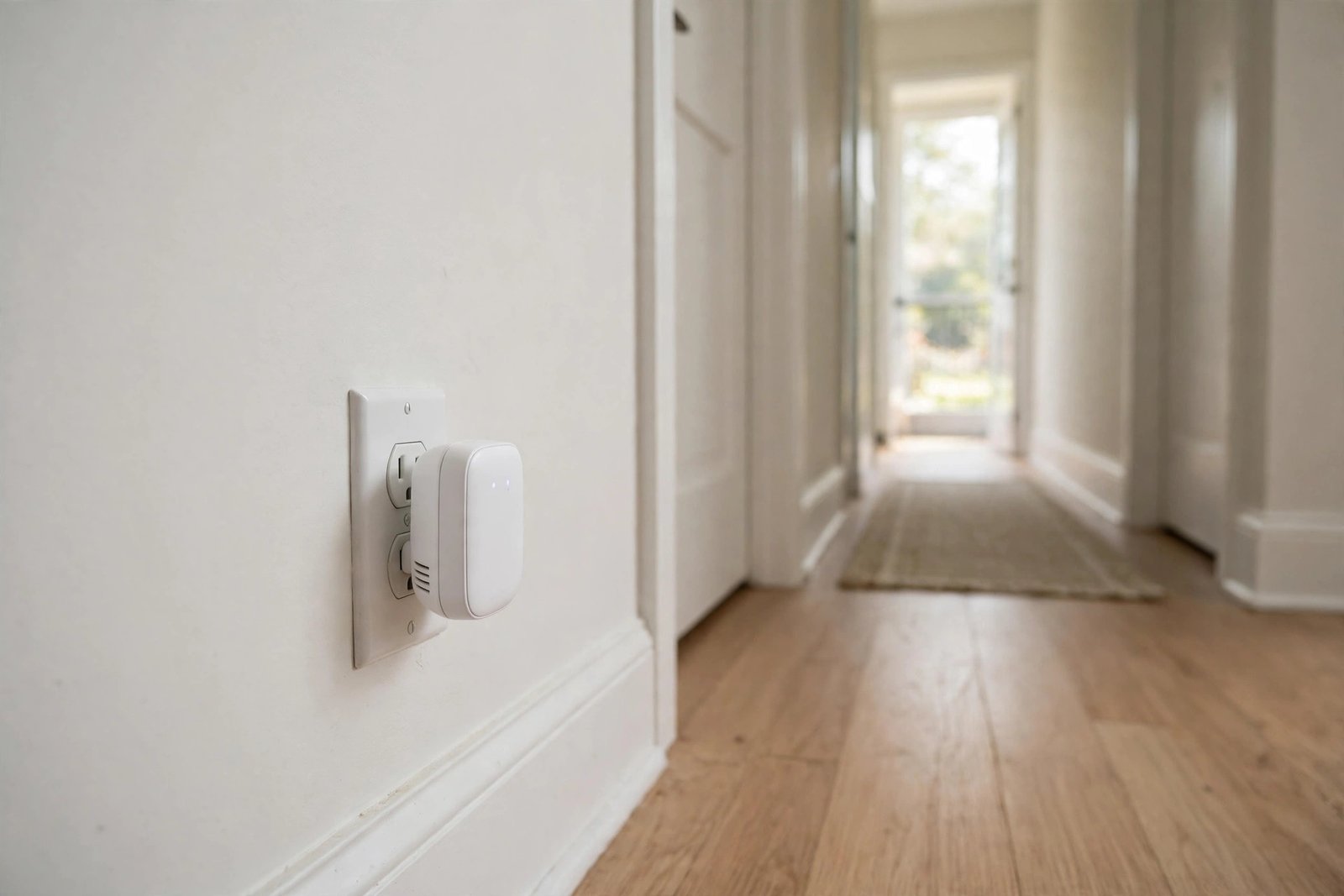
A range extender is a simple idea. It connects wirelessly to your existing router, receives the signal, and then transmits it again into the area your router cannot reach. That second transmission is the whole product: a stronger signal in a room that had almost none.
The catch is in that receive-and-resend step. Most plug-in dual-band models cut speed roughly in half in the extended area, because one radio must both receive from the router and transmit to your devices — and it cannot do both at the same time. It listens, then it talks, then it listens again. That halving is not a defect in a cheap model; it is how a single-radio repeater works. A 200 Mbps connection at the router can arrive as roughly 100 Mbps in the extended room, and a gigabit plan will never show anything like gigabit speeds past the extender.
Whether that matters depends on your plan. On a 100 Mbps plan, half speed still streams 4K video and holds a video call without complaint. On a 500 Mbps or gigabit plan, you are paying for speed the extender cannot deliver, and the gap will be obvious the first time you run a speed test in the far bedroom.
Placement decides whether an extender helps at all. Place an extender halfway between the router and the dead zone, where it still gets at least 50% signal from the router. Put it inside the dead zone itself and it has almost nothing to rebroadcast — it will faithfully repeat a weak, unreliable signal. TP-Link’s guide to mesh and range extenders makes the same point: an extender targets one or two specific weak spots, and its position determines how well it performs.
How Mesh WiFi Works — and Why It Keeps Speed
A mesh system takes a different approach entirely. Instead of patching your router’s signal, it replaces the router with two or more units — called nodes or satellites — that talk to each other and act as a single network. One node connects to your modem and becomes the router; the others sit around the house, each broadcasting the same network name. Your phone connects to whichever node is nearest, and as you walk from the kitchen to the bedroom, the system hands your device from one node to the next without you doing anything.
The key to mesh speed is the backhaul: the link that carries traffic between the nodes. On a dual-band system, that link shares the same radio bands your devices use, so some capacity is still shared. On a tri-band system, a third band is reserved for unit-to-unit traffic, so the backhaul does not compete with your laptop or your television — and speeds in the far room stay near full. Wired backhaul, where nodes are connected by Ethernet cable, removes the wireless penalty altogether.
That single-network design is the part people notice most in daily use. With an extender, your phone often clings to the distant router until the signal drops completely, then jumps to the extender’s network with a stutter. With mesh, the handoff happens in the background, and a video call can survive a walk from the office to the kitchen. eero’s explanation of mesh networking describes this as the fundamental difference: a mesh network offers many possible paths between nodes, while an extender gives traffic a single route in and out.
Speed, Coverage, and Roaming Compared
Put the two side by side in a real house and the trade-off is plain. The extender is cheaper and simpler, and it costs you speed and convenience. The mesh system is dearer and replaces your router, and it gives you speed, coverage, and roaming in return.
Speed is the sharpest difference. An extender on a dual-band plug-in model roughly halves the speed in the extended area, because one radio does two jobs. A tri-band mesh system keeps speeds near full, because the third band handles node-to-node traffic separately. If your plan is 300 Mbps or faster, that difference is the whole decision: an extender throws away the speed you are paying for, while mesh lets you use it in every room.
Coverage is the second difference. An extender fixes a room or two. Mesh covers a home — and it covers it evenly, because each node is a fresh source of signal rather than a faint echo of a distant router. If you have one dead bedroom, an extender is enough. If the signal is weak in the bedroom, the basement, and the garden office, you would need several extenders chained together, each one halving the speed again and adding another network name to manage. At that point you are spending mesh money on a worse network.

Cost in 2026: What You Actually Pay
Extenders are cheap. A decent plug-in extender costs $30 to $120, with WiFi 6 models at the upper end of that range and basic models at the lower end. For a single room, that is hard to beat: it is less than a dinner out, it plugs into a wall socket you already own, and it takes minutes to set up.
When an Extender Is the Right Choice
Extenders win in three situations, and they are all common. First, renters. If you cannot replace the router, cannot run cables, and cannot drill holes, a plug-in extender is the fix you are allowed to use — and it works well enough for one room. Second, a single-room fix. One dead bedroom, one garden office, one basement corner: the extender is the cheapest, simplest answer, and the speed penalty does not matter on a modest plan. Third, homes where the ISP gateway cannot be replaced. Some internet providers lock you into their router, or bundle television and phone services into a gateway you must keep. An extender works with that gateway instead of replacing it.
An extender also makes sense when your plan is modest. On a 100 Mbps plan, half speed is still 50 Mbps in the far room — enough for streaming, calls, and browsing. The extender’s weakness only bites when the plan is fast enough for the halving to hurt. Match the fix to the plan, not to the marketing.
Before you buy either product, check whether the signal is slow everywhere, even next to the router. If it is, neither product will help — the problem is your plan or router, not coverage. Test beside the router and in the dead room; if only the far room is slow, you have a coverage problem. Our how to boost WiFi signal at home guide covers the free fixes to try first.
When Mesh Is the Right Choice
Mesh wins when the problem is the whole house, not one room. Multi-story homes, where the signal must cross floors as well as walls, are the classic mesh case. So are homes with several dead zones, homes with many connected devices, and homes on plans above 300 Mbps, where an extender would waste the speed you pay for. NETGEAR’s comparison of extenders and mesh systems puts it plainly: mesh is typically the better fit for whole-home coverage with fewer drop-offs and no manual network switching, while an extender is the smart lower-cost fix for one or two spots.
The generation matters here too. If you are buying mesh in 2026, WiFi 6 is the value choice and WiFi 7 is the future-proof one. WiFi 7 mesh brings wider channels, lower latency, and better handling of many devices at once — and our what is WiFi 7 guide explains what those improvements actually do in a home. If your devices are mostly WiFi 6 or older, a WiFi 6 mesh system will serve you well for years; buy WiFi 7 when you have, or expect soon, devices and a plan that can use it.

Setup, Placement, and Mistakes to Avoid
Setting up an extender is a ten-minute job: plug it in halfway between the router and the dead zone, press the setup button or use the app, and join it to your network. The mistake is placement. The extender must sit where it still gets at least 50% signal from the router — usually a hallway or a room adjacent to the dead zone, not inside it. After setup, run a speed test in the dead room and another one beside the extender. If the far room is still slow, move the extender one socket closer to the router and test again.
Setting up mesh takes longer — about thirty minutes for a typical home — because you are placing two or three nodes and letting the app test the link between them. Put the first node beside your modem. Put the second node no more than two rooms away, in an open spot at waist height, not hidden behind a television or inside a closed cabinet. The app will usually tell you if a node is too far from the last one; believe it. Nodes that are too far apart give you the worst of both worlds: mesh prices with extender speeds.
Three mistakes cover most disappointments: buying an extender for a whole-house problem, hiding a mesh node in a cupboard or behind thick furniture, and blaming new hardware for a slow plan — no extender or mesh system can make a 50 Mbps connection faster. If the laptop itself is the bottleneck, our how to speed up a slow laptop guide is worth a read first.
Frequently Asked Questions
Does a WiFi extender halve my internet speed?
Most plug-in dual-band models cut speed roughly in half in the extended area, because one radio must both receive from the router and resend to your devices. It does not halve the speed of your whole network — devices connected directly to the router are unaffected. Tri-band mesh, by contrast, uses a third band for node-to-node traffic and keeps speeds near full.
Can I use an extender with a mesh system?
You can, but you usually should not. Adding an extender to a mesh network creates a second network name and a weaker link that your devices may cling to. If a mesh node cannot reach a room, add another mesh node from the same system instead — it joins the same network and keeps the same roaming behaviour.
How many mesh nodes do I need?
Two nodes typically cover 3,000 to 4,500 square feet, and three nodes cover up to 5,000 to 6,000 square feet. Start with the size the manufacturer suggests for your home, then add a node only if a speed test shows a room still underperforming. More nodes are not automatically better — nodes placed too close together can interfere with each other.
In the wifi extender vs mesh wifi decision, what matters most?
How many rooms are broken. One dead room on a modest plan points to an extender; several dead zones, multiple floors, or a plan above 300 Mbps point to mesh. Price matters, but only after you have counted the rooms — a cheap fix for the wrong problem is the most expensive purchase of all.
Will mesh WiFi work with my ISP router?
Usually, yes. Most mesh systems can replace your ISP router, or run in access point mode behind it if the provider requires you to keep their gateway. Check whether your provider locks the gateway — if it does, an extender, or mesh in access point mode, may be the practical answer.
Do I need WiFi 7 mesh, or is WiFi 6 enough?
WiFi 6 mesh is enough for most homes in 2026, especially on plans up to 500 Mbps with WiFi 6 devices. WiFi 7 mesh is worth the extra cost if you have a gigabit plan, many WiFi 7 devices, or want the system to stay current for five years or more. Buy for the plan and devices you have, not the ones on the box.
Conclusion
The wifi extender vs mesh wifi choice is simpler than the shelves make it look. Count the dead rooms. If there is one, your plan is modest, and you cannot or do not want to replace your router, buy an extender, place it halfway to the dead zone where it still gets a strong signal, and enjoy the fix for the price of a dinner out. If there are several dead rooms, your house has more than one floor, your plan is faster than 300 Mbps, or your family moves around the house on video calls all day, buy mesh — two nodes for most homes, three for larger ones — and let one network cover the whole house at near-full speed.