
How to Avoid Roaming Charges When Traveling Abroad: 9 Ways to Stay Connected for Less
Learning how to avoid roaming charges when traveling abroad is one of the highest-value travel skills you can pick up. A single two-week trip on default roaming rates can add $140 to $240 to your phone bill — enough to pay for a night in a decent hotel, or a very nice dinner in Paris. And the cruel part? Most of that money buys you nothing you couldn’t get for $20 to $30 with ten minutes of preparation. This guide walks you through nine practical ways to stay connected overseas, with real 2026 prices, the exact phone settings to change, and the strategies frequent travelers actually use.
What Roaming Actually Costs in 2026
Before diving into solutions, it helps to see the numbers side by side. The big three U.S. carriers all sell international connectivity as a daily add-on, and the prices stack up fast:
- AT&T International Day Pass runs about $12 per day — charged on any day you use data, make a call, or send a text. On a 30-day trip, that’s $360.
- Verizon TravelPass runs $10 per day in most countries ($5 per day in Canada and Mexico; some plans bill $12). A new daily session triggers the moment you make or receive a call, send a text, or use mobile data — including background data from apps.
- T-Mobile includes unlimited data in 215+ countries on Magenta and Go5G plans — but at a hard cap of 128–256 kbps, which is painfully slow. Full-speed upgrades cost $5 per day through the International Pass, and calls run $0.25 per minute.
The average American traveler spends 12 days abroad per trip (U.S. Travel Association, 2025), so a “convenient” $10-per-day pass quietly becomes a $120 line item — before you’ve downloaded a single byte at full speed. Pay-as-you-go rates are worse: around $1.50–$3.00 per minute for calls on AT&T and Verizon, and pay-per-use data can run over $2 per megabyte. Compare that with a travel eSIM — a 10GB Europe plan good for 30 days costs around $31–$32 — and the savings become obvious.
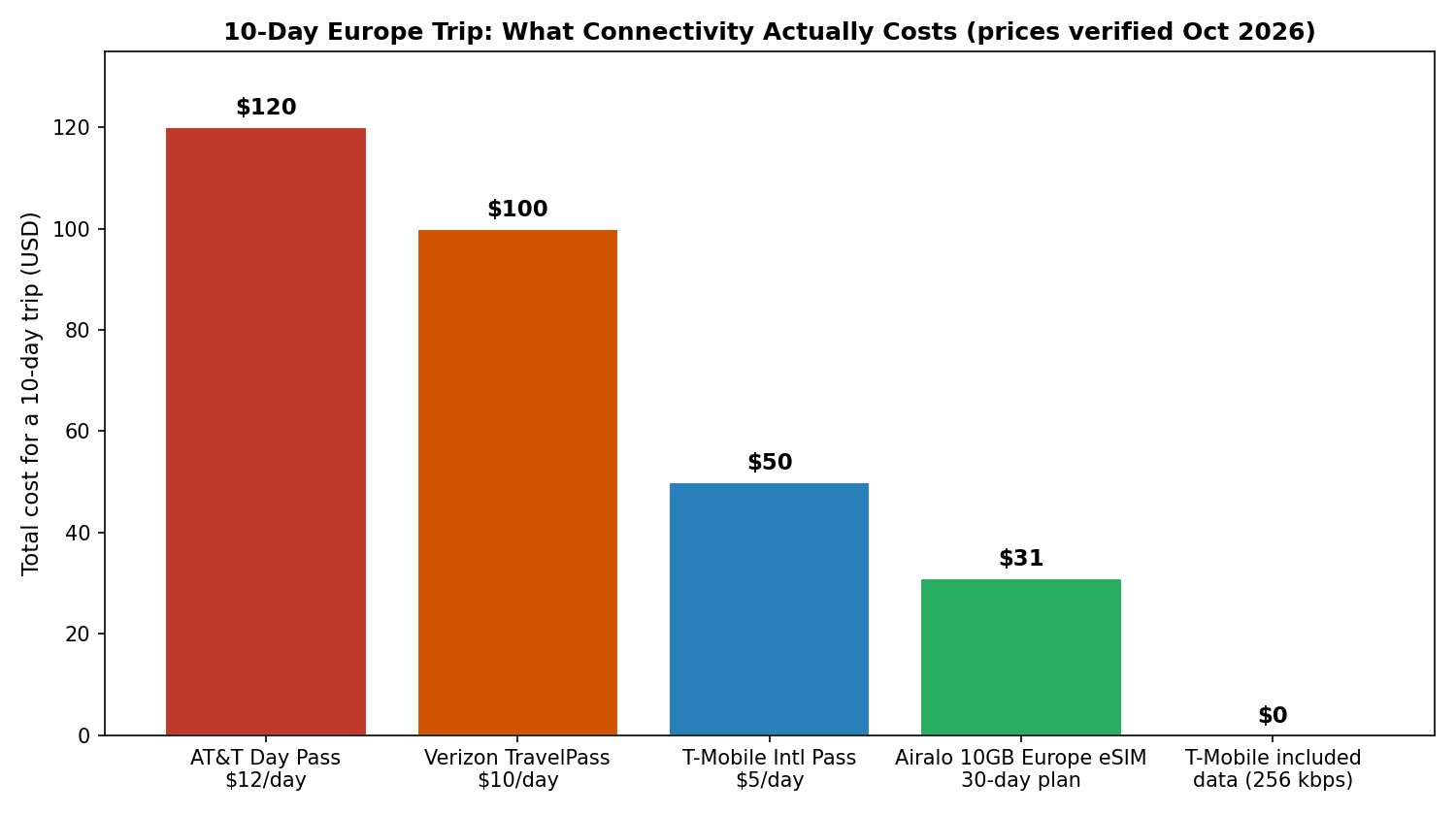
Chart: total connectivity cost for a 10-day Europe trip. Carrier prices are per-day passes; eSIM is a one-time data purchase. Prices verified October 2026 and subject to change.
How to Avoid Roaming Charges When Traveling Abroad: 9 Ways That Actually Work
1. Buy a travel eSIM before you leave
The single best move for most travelers is a travel eSIM: a digital SIM you install by scanning a QR code, no physical card to swap and no store to visit. Your phone keeps its regular number for two-factor codes and important calls (incoming calls may cost, but texts and data run on the eSIM), and you land with working data the moment the plane’s wheels touch down.
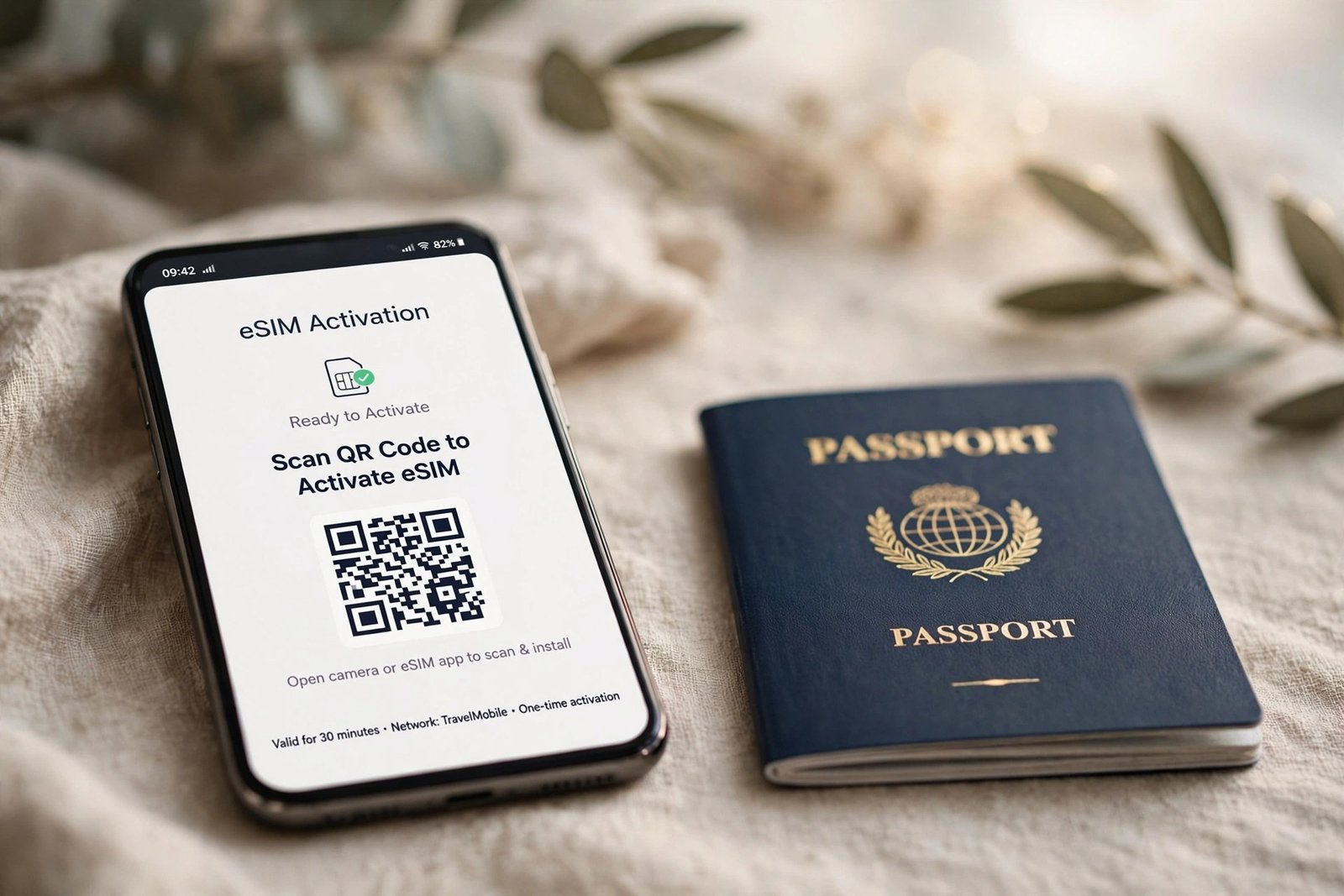
Buy before you fly, while you’re on home Wi-Fi — installation takes a couple of minutes, and you avoid wrestling with airport Wi-Fi on arrival. Pricing is refreshingly honest: Airalo’s Europe plans, for example, run about $4.50 for 1GB over 7 days or around $31–$32 for 10GB over 30 days across 40+ countries (per a travel eSIM comparison and the detailed Airalo’s Europe pricing breakdown, both verified October 2026). Nomad, Saily, Ubigi, and Holafly all compete in the same space — Holafly leans toward unlimited daily plans while Airalo and Saily sell fixed data packages, so heavy streamers and light map-checkers face different math. Most modern iPhones, Pixels, and Samsung Galaxy phones from the last five years support eSIM; check your manufacturer’s site if you’re unsure.
One tip from experience: set the eSIM as your data line but keep your home line active for calls/texts if your carrier doesn’t charge for incoming texts. If they do, switch the home line to a messaging app entirely (see #7).
2. Grab a local SIM at your destination
For longer stays — especially single-country trips of two weeks or more — a local SIM card is often the cheapest option of all. Airport kiosks and convenience stores in most countries sell tourist SIMs with generous data for the equivalent of $10–$20. Thailand, for instance, has monthly plans with around 100GB for roughly $15 through local carriers — dramatically cheaper than any travel eSIM for the same trip length.
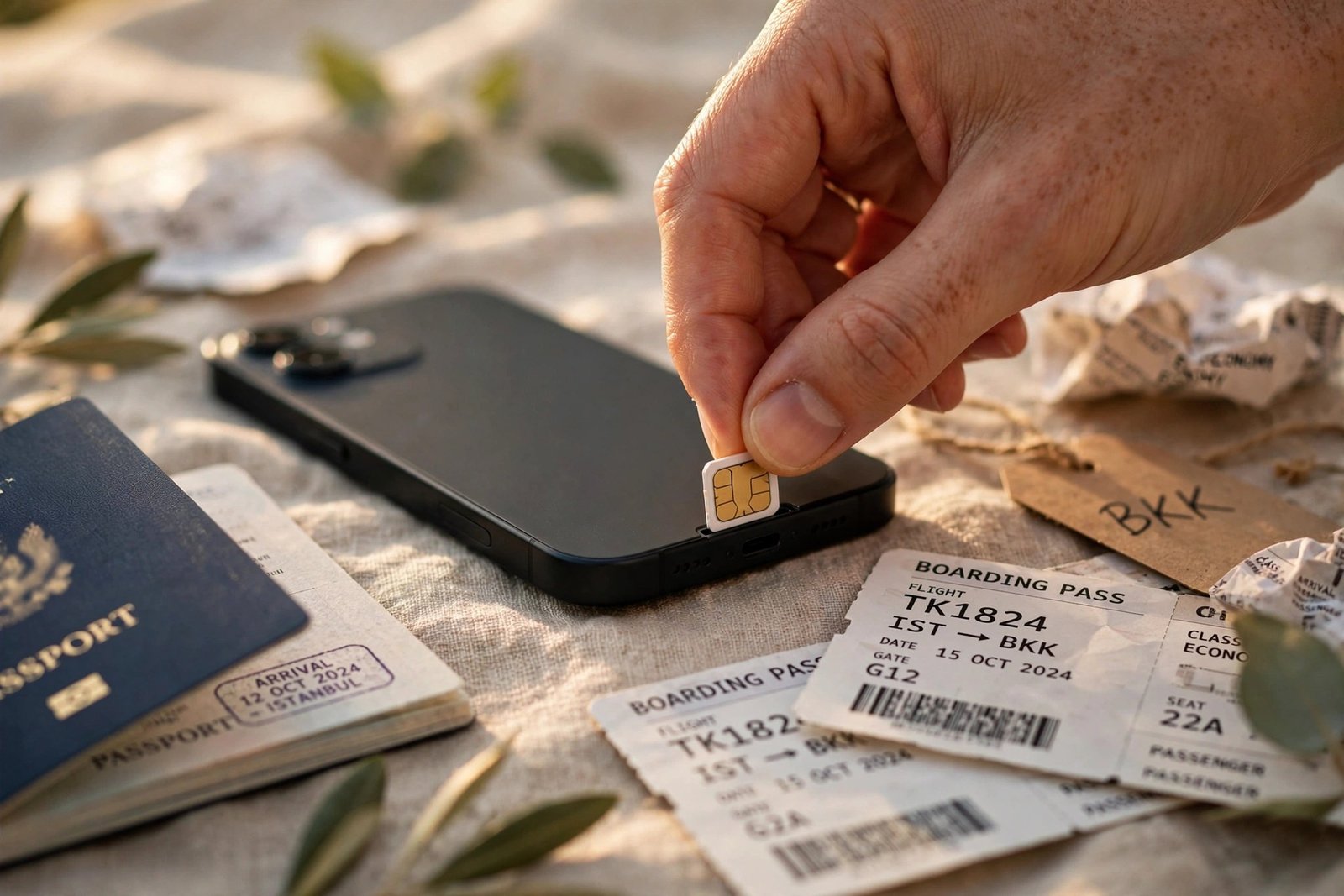
The trade-offs: you need an unlocked phone (most carrier-locked phones sold in the U.S. won’t accept a foreign SIM — check with your carrier before departure), you get a new local number (your usual number goes dark unless you dual-SIM it), and airport kiosks sometimes charge a premium over city-center shops. Bring your passport — many countries require ID to activate a SIM. This strategy also pairs nicely with one of the best carry-on luggage picks from our travel-gear guide, since a week-plus single-country trip is exactly when packing light in one bag pays off most.
3. Use your carrier’s travel pass — but only when the math works
Carrier day passes aren’t always a rip-off. They’re the right choice in a few specific situations: trips of one to three days, business travel where you must be reachable on your real number, and multi-country itineraries where buying separate eSIMs would be a hassle. Three days of TravelPass at $10/day ($30) beats the faff of hunting down a local SIM for a 48-hour layover.
Where the math breaks is longer trips. At $10–$12 per day, a ten-day vacation costs $100–$120 — versus $31 for an eSIM. Check the fine print too: on Verizon, background data (email sync, weather widgets, app refreshes) can trigger a new daily Verizon TravelPass session without you touching the phone, and the U.S. carrier international plans compared show coverage gaps and throttle rules that vary more than the marketing suggests. If you do use a day pass, disable background app refresh and let Wi-Fi do the heavy lifting (see #4).
4. Turn Wi-Fi into your primary connection
Free Wi-Fi is everywhere travelers congregate: airports, hotels, cafés, trains, museums. The trick is treating it as your primary network and cellular as the backup, not the other way around. Download an offline city map, connect at the hotel each morning, message and upload over Wi-Fi, and only lean on mobile data when you’re between hotspots.
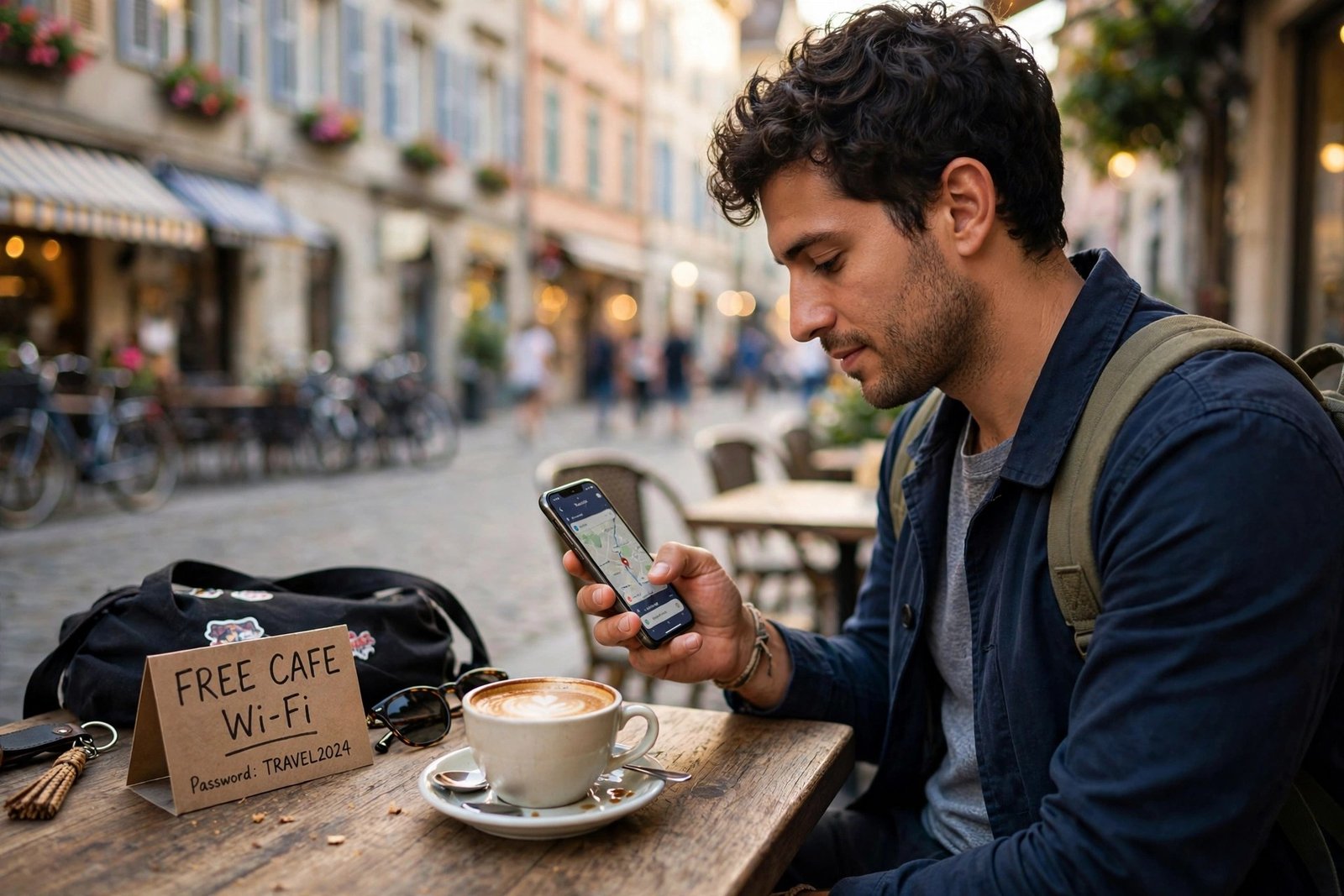
Two cautions. First, public Wi-Fi is genuinely risky for banking and anything involving passwords — use a reputable VPN app on open networks, and save sensitive logins for your hotel or mobile data. Second, don’t assume every “free” network is actually free: some hotels charge $10–$15 per day for premium Wi-Fi, which can quietly eat the savings from a cheap eSIM. Factor it in.
5. Download offline maps, translators, and entertainment before you go
The cheapest megabyte is the one you never use. Before every trip, spend fifteen minutes on hotel Wi-Fi (or home Wi-Fi the night before) pre-loading everything you can:
- Offline maps: In Google Maps, search your destination, tap the name, and hit “Download offline map.” You get turn-by-turn navigation with zero data. Maps.me works similarly and covers areas where Google is thin.
- Offline translation: Google Translate lets you download entire language packs, so camera translation and phrase lookup work on airplane mode. This alone can save dozens of megabytes of frantic data use.
- Entertainment: Download podcasts, playlists, and a few shows for trains and flights. Streaming an hour of video uses roughly 1GB at standard definition — the fastest way to burn through a data plan.
Our winter trip packing guide covers this same “prep beats repair” philosophy for cold-weather travel, and it applies just as well to connectivity: everything you stage before departure is money you don’t spend on arrival.
6. Change these phone settings before your plane takes off
Five minutes in settings is worth more than any plan you can buy. Do this on the ground, before departure:
- Turn off Data Roaming (Settings → Cellular/Mobile Data). This is the master switch. With it off, your phone physically cannot accrue roaming data charges — no matter what.
- Disable automatic app updates and background app refresh over cellular. A single app update can be 200MB — at roaming rates, that’s a $400 surprise.
- Turn off iCloud/Google Photos backup over cellular and restrict it to Wi-Fi only.
- Download carrier and OS updates before you leave. A mid-trip iOS update over roaming data is a horror story you’ve now avoided.
- Check whether your carrier bills incoming texts or calls. If it does, consider forwarding your number to Google Voice or simply letting unknown calls go to voicemail.
On iPhones, the roaming toggle lives under Settings → Cellular → Cellular Data Options → Data Roaming. On Android, it’s under Settings → Network & Internet → Mobile Network → Roaming. Screenshot your normal settings first so restoring them at home takes ten seconds.
7. Move calls and texts to messaging apps
Here’s the math that matters: a WhatsApp voice call uses about 0.5MB per minute. At eSIM rates, that’s effectively free. The same call over cellular roaming costs $0.25 to $3.00 per minute depending on your carrier. Texts are even more lopsided — iMessage, WhatsApp, Telegram, and Signal all ride on data, which you’ve already made cheap.
Before you fly, make sure the people who need to reach you know where to find you. Set a WhatsApp status with your travel dates, update your voicemail greeting to point callers to messaging, and confirm that your bank and other two-factor authentication still reaches you — some banks won’t send SMS codes to VoIP numbers, which is one more reason to keep your home line active for incoming texts (see #1). This is also the single biggest savings lever on how to find cheap flights-style budget trips: the flight got you there cheaply, so don’t let the phone bill undo the win.
8. Consider a plan built for travelers
If you travel internationally several times a year, the per-trip gymnastics stop making sense and a traveler-friendly plan wins. T-Mobile’s Magenta and Go5G plans include unlimited (throttled) data and texting in 215+ countries plus $0.25/min calls — the T-Mobile international roaming costs break down the day-pass and weekly-pass upgrades ($5/day high-speed, ~$35/week) that make the free tier usable for maps and email. Google Fi is the other classic pick: same domestic-style rates in 200+ destinations with no separate pass to buy.
Budget MVNOs have entered the game too — Mint Mobile’s Minternational passes start around $5 for 1GB in 180+ countries, which suits light users who want pay-as-you-go without carrier-day-pass math. Run your own numbers against your last two trips before switching: the “best” plan is the one that matches your actual travel pattern, not the marketing.
9. Set spending caps and watch usage daily
Even with the perfect setup, verify. Most carriers let you set international data alerts or spending caps in their app — turn them on. Check your data usage each evening (Settings → Cellular shows per-app consumption on iPhone; Android’s Data Saver shows the same). If something is chewing through megabytes, you’ll catch it on day two instead of day twelve.
One last pre-flight habit: call or chat your carrier and ask two questions — “What exactly will my phone cost per day in [country]?” and “Is there a cheaper add-on I’m not seeing?” Agents occasionally surface loyalty or retention offers that aren’t advertised online. Write down the answer. If a surprise charge appears later, that note is your dispute ammunition.
Frequently Asked Questions
Is it cheaper to buy an eSIM or use my carrier’s roaming?
For trips longer than about three days, an eSIM almost always wins. A 10-day Europe trip costs roughly $100–$120 on AT&T or Verizon day passes versus around $31 for a 10GB travel eSIM. For one-to-three-day trips, the convenience of a carrier day pass ($10–$12/day) can be worth the premium, especially if you need your real number active.
Do I need to remove my SIM card to use an eSIM?
No. eSIMs live alongside your physical SIM — your phone can hold both. Set the eSIM as your data line and keep your home SIM active for calls and texts (or turn the home line off entirely if you want zero risk of accidental roaming charges).
How do I turn off data roaming on iPhone and Android?
On iPhone: Settings → Cellular → Cellular Data Options → Data Roaming (toggle off). On Android: Settings → Network & Internet → Mobile Network → Roaming (toggle off). With data roaming off, your phone cannot use mobile data on foreign networks, so no roaming data charges can accrue.
Does airplane mode stop roaming charges?
Yes, completely — airplane mode disables all cellular radios. The common trick is to enable airplane mode, then turn Wi-Fi back on: you get Wi-Fi connectivity with zero cellular exposure. Just remember that the moment you switch airplane mode off, your phone reconnects to the local network and normal roaming rules apply.
Are travel eSIMs safe and legal to use?
Yes. Travel eSIMs are sold by legitimate companies that partner with local carriers in each country — Airalo, for example, operates in 200+ countries. They use the same encrypted cellular networks as local SIMs. They’re legal everywhere physical SIMs are sold, though a few countries require ID registration for any SIM activation.
Will I be charged if someone calls me and I don’t answer?
It depends on your carrier. Some carriers trigger a daily travel-pass session on any network activity, including an incoming call you decline — and on Verizon, even background data can start a $10–$12 session. This is why turning off data roaming (or using airplane mode + Wi-Fi) matters: it removes the ambiguity entirely.
Conclusion
Roaming charges feel inevitable because carriers design them to be invisible — a daily fee here, a background sync there — until the bill arrives. But the fix is straightforward: buy a travel eSIM before you fly, turn off data roaming, lean on Wi-Fi, preload your maps, and move your calls to messaging apps. For a ten-day trip, that’s the difference between a $120 carrier bill and roughly $30 in eSIM data. The ten minutes of setup genuinely is the whole trick — do it once, and you’ll never pay a roaming surprise again.