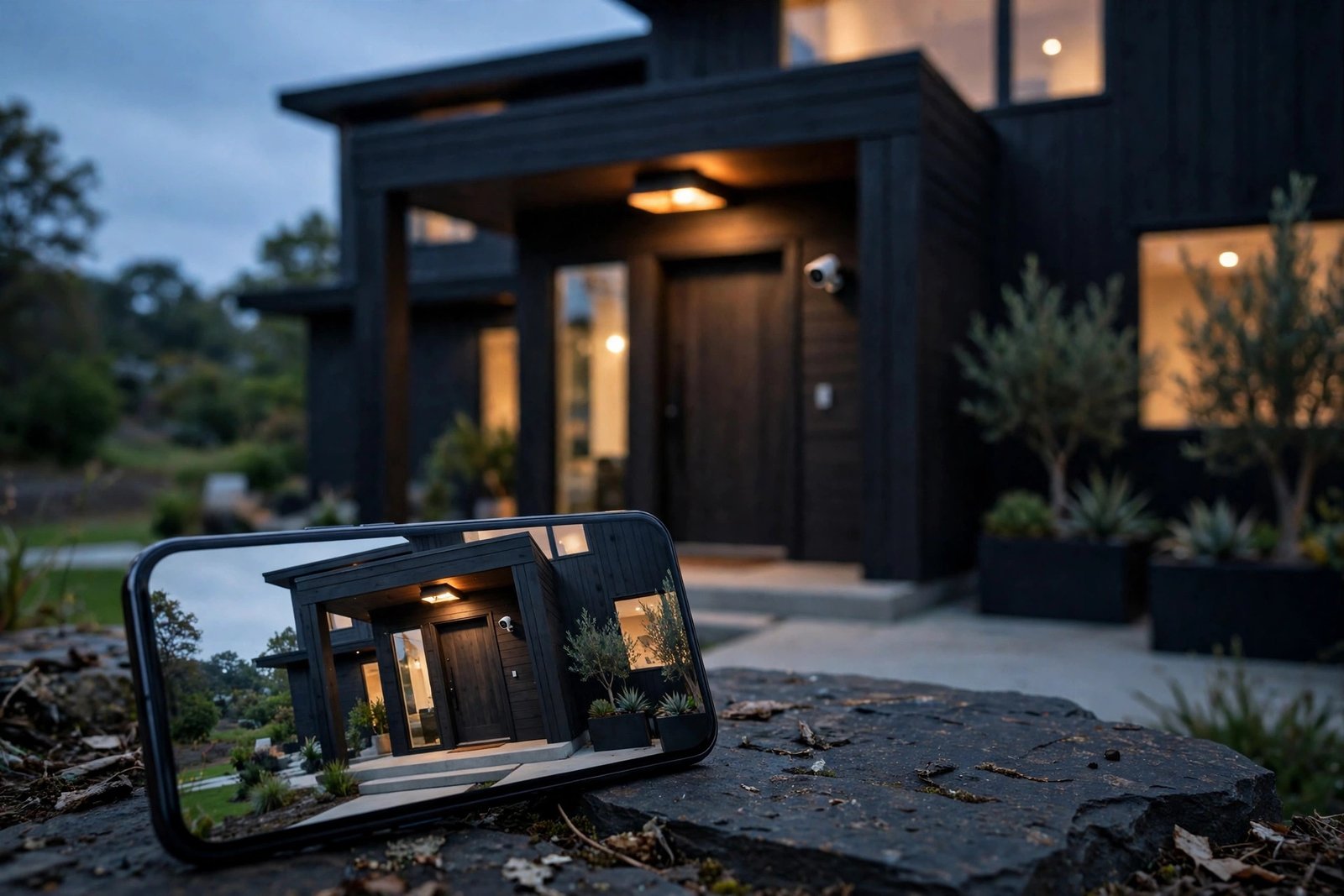

A security camera should protect your home, not rent it back to you month after month. Yet most big-name cameras now push a monthly plan for the features that matter — recorded video history, smart alerts, and sometimes even basic playback. If you are tired of paying forever for hardware you already own, this guide to the best home security cameras without subscription 2026 has you covered. We compare the strongest no-fee options, explain how local storage actually works, and show you what “no subscription” does — and does not — include.
The good news is that the no-subscription market has never been stronger. Cameras with microSD slots, local base stations, and wired recorders now offer sharp 2K and 4K video, motion alerts, and app playback with zero monthly fee. You pay once, and the camera is yours.
Why Subscriptions Cost So Much Over Time
A monthly fee looks small on its own. Ten dollars a month sounds harmless — until you multiply it across years and cameras. Take a typical example: a popular doorbell and camera brand charges around $100 per year for a single-camera plan, and more for unlimited cameras. Over five years, that is roughly $500 per camera plan — often more than the camera itself cost. Another major brand’s multi-camera plan runs around $130 per year, which adds up to roughly $650 over five years.
These are approximate figures based on published plan pricing, and prices change, so check the current rates before you buy. But the pattern is clear: a subscription turns a one-time purchase into a permanent bill. Worse, some cameras lose recorded history entirely if you cancel, leaving you with live view only. A no-subscription camera avoids that trap completely — your recordings live on hardware you own, and nobody can switch them off by changing a pricing page.
That is also why independent roundups of security cameras with no subscription fees have become so popular: buyers increasingly want the total cost of ownership, not just the sticker price.
How Local Storage Actually Works
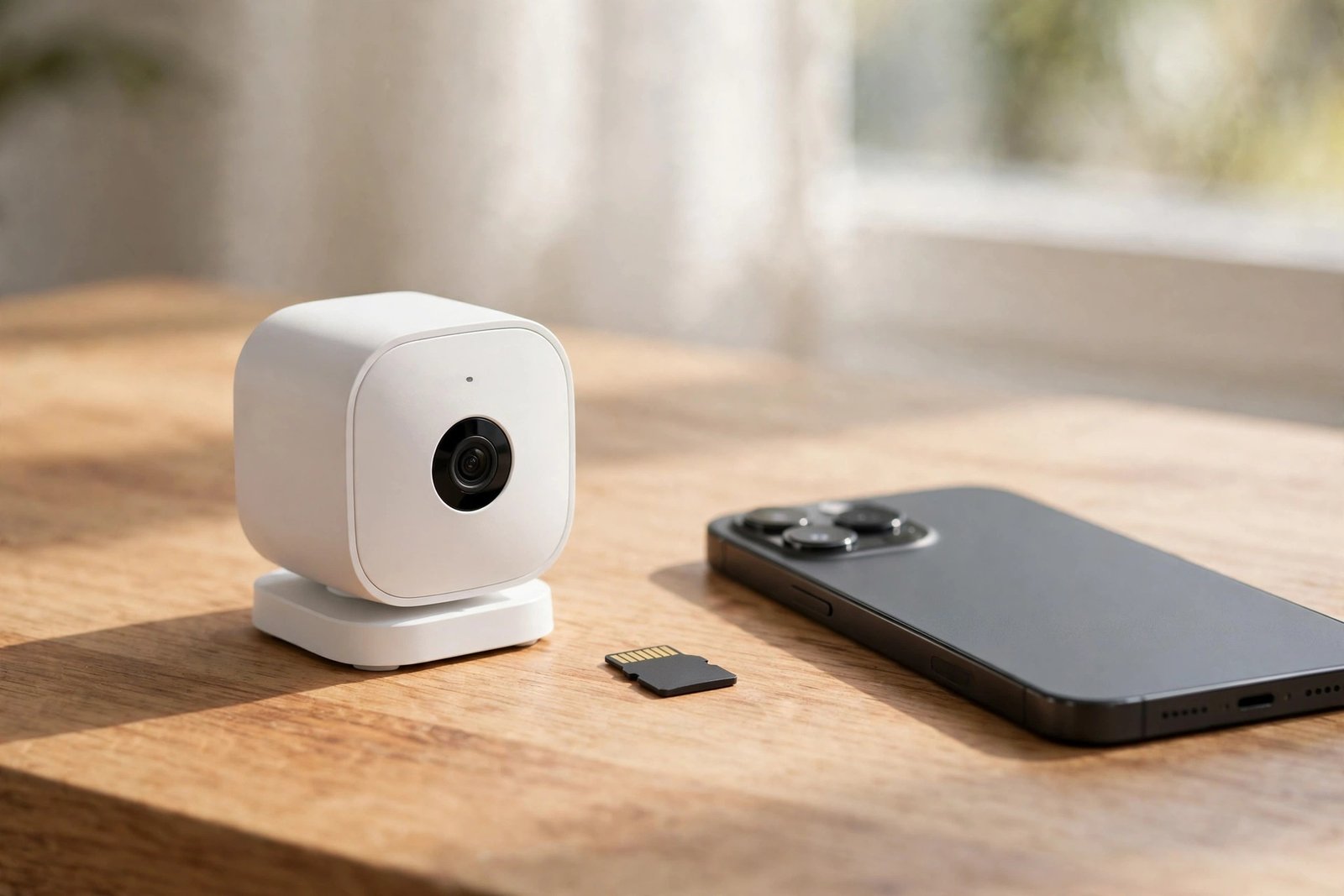
“No subscription” cameras record to storage you control. There are three main kinds, and understanding them makes choosing much easier.
microSD card storage
The camera has a slot for a small memory card, usually 128 GB or 256 GB, which records motion clips or continuous video in a loop. When the card fills up, the oldest footage is overwritten. This is the cheapest option and works well for a single camera or two, but if someone steals the camera, they take the footage with it. Choose high-endurance cards rated for continuous recording — standard cards wear out faster in cameras.
Base station or hub storage
Some systems pair cameras with a home base station that holds a hard drive or SSD. The cameras send footage wirelessly to the hub, which sits safely inside your house. This is more secure than a card in the camera, easier to expand, and usually supports several cameras at once. The trade-off is an extra box to place and power.
NVR (Network Video Recorder) systems
Wired camera systems record to a dedicated recorder with a large hard drive, often 1 TB or more. NVR setups are the choice for whole-home coverage: four, eight, or more cameras recording around the clock, all stored locally. They need more installation effort, often involving cables, but they are the most robust no-subscription option for larger homes.
All three approaches share one advantage: no monthly bill and no cloud account holding your footage. The footage stays in your home, under your control.
Best Home Security Cameras Without Subscription 2026: The Top Picks
Here are the strongest no-subscription cameras available in 2026, covering budgets from under $40 to full wired systems. Prices below are approximate October 2026 prices and are subject to change — always check the current price before buying.
| Camera | Best for | Resolution | Local storage | Approx. price |
|---|---|---|---|---|
| Tapo C120 | Best overall | 2K | microSD up to 512 GB | ~$35–$45 |
| Wyze Cam v4 | Best budget pick | 2.5K | microSD up to 512 GB | ~$36 |
| Reolink Argus 4 Pro | Best wireless 4K | 4K | microSD + optional NVR/hub | ~$150–$200 |
| eufy eufyCam S330 / S4 | Best local base station | 4K | HomeBase with built-in storage | ~$200–$500 (kits vary) |
| Tapo C420S2 | Best battery camera | 2K | microSD + optional hub | ~$100–$150 (2-pack) |
| Lorex 4K wired system | Best wired NVR system | 4K | NVR with 1–2 TB hard drive | ~$300–$800 (kits vary) |
Tapo C120 — Best overall
The Tapo C120 is hard to beat for the money: sharp 2K video, colour night vision, motion and person detection, and microSD recording with no subscription needed for local playback. It plugs into mains power, so there are no batteries to charge, and the app is straightforward. If you want one camera by the front door or in the living room, start here.
Wyze Cam v4 — Best budget pick
At around $36, the Wyze Cam v4 offers remarkable value: 2.5K resolution, colour night vision, and local microSD recording. It is a great first camera or a cheap way to cover extra rooms. One honest caveat: some smarter detections, such as vehicle and package detection, require the optional Cam Plus plan — basic motion and person alerts plus local recording work without it. For a broader survey of fee-free options, this roundup of home security cameras with no monthly fee is worth a look.
Reolink Argus 4 Pro — Best wireless 4K
If you need 4K detail without running cables, the Argus 4 Pro is a standout: dual-lens 180° views, colour night vision, and a battery or solar power option. It records to microSD and can also connect to a Reolink hub or NVR for safer indoor storage. Battery cameras need occasional charging, but solar panels largely solve that for sunny spots.
eufy eufyCam S330 / S4 — Best local base station
eufy’s system is the classic subscription-free setup: cameras talk to a HomeBase inside your home, which stores footage locally with no monthly fee. The S330 and newer S4 offer 4K resolution, long battery life, and on-device AI detection. Kits cost more up front, but the total cost of ownership over five years is often lower than a subscription camera — and your footage never leaves your house.
Tapo C420S2 — Best battery camera
The battery-powered C420S2 two-pack is ideal for renters or spots without a nearby outlet: wire-free placement, 2K video, and microSD storage, with an optional hub for centralised recording. Battery life depends on how busy the location is — a quiet back garden lasts months, a busy front porch less.
Lorex 4K wired system — Best wired NVR system
For whole-home coverage, a Lorex wired NVR kit is the heavyweight choice: multiple 4K cameras, a recorder with a large hard drive, and continuous 24/7 recording with no subscription at all. Installation takes more effort — you will run cables and mount cameras properly — but for a larger property, nothing else matches the reliability and storage depth. If you are comparing across the whole market, an honest review of the best security cameras of 2026 can help you weigh wired systems against wireless ones.

What “No Subscription” Does NOT Include
Honesty matters here, because “no subscription” does not mean “every feature free forever.” Here is what to watch for:
Advanced AI detection: Basic motion and person alerts are usually free, but some brands reserve smarter detection — vehicle, package, pet, or facial recognition — for paid plans. Wyze’s vehicle and package detection, for example, needs Cam Plus. Check which alerts matter to you before buying.
Cloud backup: Local storage means footage lives in your home. If a camera is stolen or your house floods, local-only footage can be lost. Some brands offer optional cloud backup as a paid extra; decide whether that safety net matters to you.
Extended video history: A microSD card holds days or weeks of clips depending on size and recording mode; a 1 TB NVR holds far more. If you want months of continuous history, a bigger drive or an NVR is the answer — not a subscription.
Professional monitoring: No-subscription cameras alert you, not a monitoring centre. If you want someone else watching and dispatching help, that is a separate paid service. For most homes, phone alerts plus local recording are plenty.
The key point: the core job — seeing what happened, when, and who was there — works without a subscription on every camera in this guide. That is the honest picture behind the best home security cameras without subscription 2026: core protection free, extras optional.
Privacy Notes Worth Knowing
Local storage is a privacy win, but a few habits make it stronger. First, set a strong, unique password for the camera app and turn on two-factor authentication — most camera breaches come from reused passwords, not broken encryption. Second, keep the camera firmware updated; manufacturers patch security issues regularly. Third, think about placement: avoid pointing cameras at neighbours’ gardens or windows, both for their privacy and because some local rules restrict it. Finally, if you use a voice assistant or smart-home integration, check what data that link shares — the camera itself may be local-only while the assistant is not.
It is also worth remembering that your home network is part of your security setup. A modern router makes a real difference to camera reliability and coverage, so if your cameras keep dropping off Wi-Fi, our explainer on what Wi-Fi 7 is covers what the newest standard brings. And if you are automating the rest of the house, our guide to the best budget robot vacuum pairs well with a camera setup for a smarter home on a budget.
Buying Guide: How to Choose
Start with placement. Indoor cameras need power outlets nearby; outdoor cameras need weather resistance and, for battery models, a realistic charging plan. A mains-powered camera by the front door plus a battery camera at the back is a common, sensible combination.
Match resolution to distance. 2K is plenty for a porch or living room. If you need to read a licence plate or identify a face at the end of a driveway, 4K earns its premium. More resolution also means more storage used, so balance the two.
Pick your storage first, camera second. Decide whether you want a simple microSD camera, a base station, or a full NVR — that choice narrows the field fast. For one or two cameras, microSD is fine. For four or more, a hub or NVR is much easier to manage.
Check the app before you buy. Read recent app reviews. A great camera with a frustrating app becomes a chore, while a decent camera with a good app gets used every day. Look for quick live view, easy clip playback, and sensible notification controls.
Count the total cost. Add the camera, the memory card or hard drive, and any mounts or solar panels. Compare that total against five years of a subscription camera — when comparing the best home security cameras without subscription 2026, the no-subscription option almost always wins, and the gap grows with every camera you add. For another screen in your smart home, our OLED vs QLED TV comparison can help you pick a display for viewing camera feeds in comfort.
Setting Up for Success
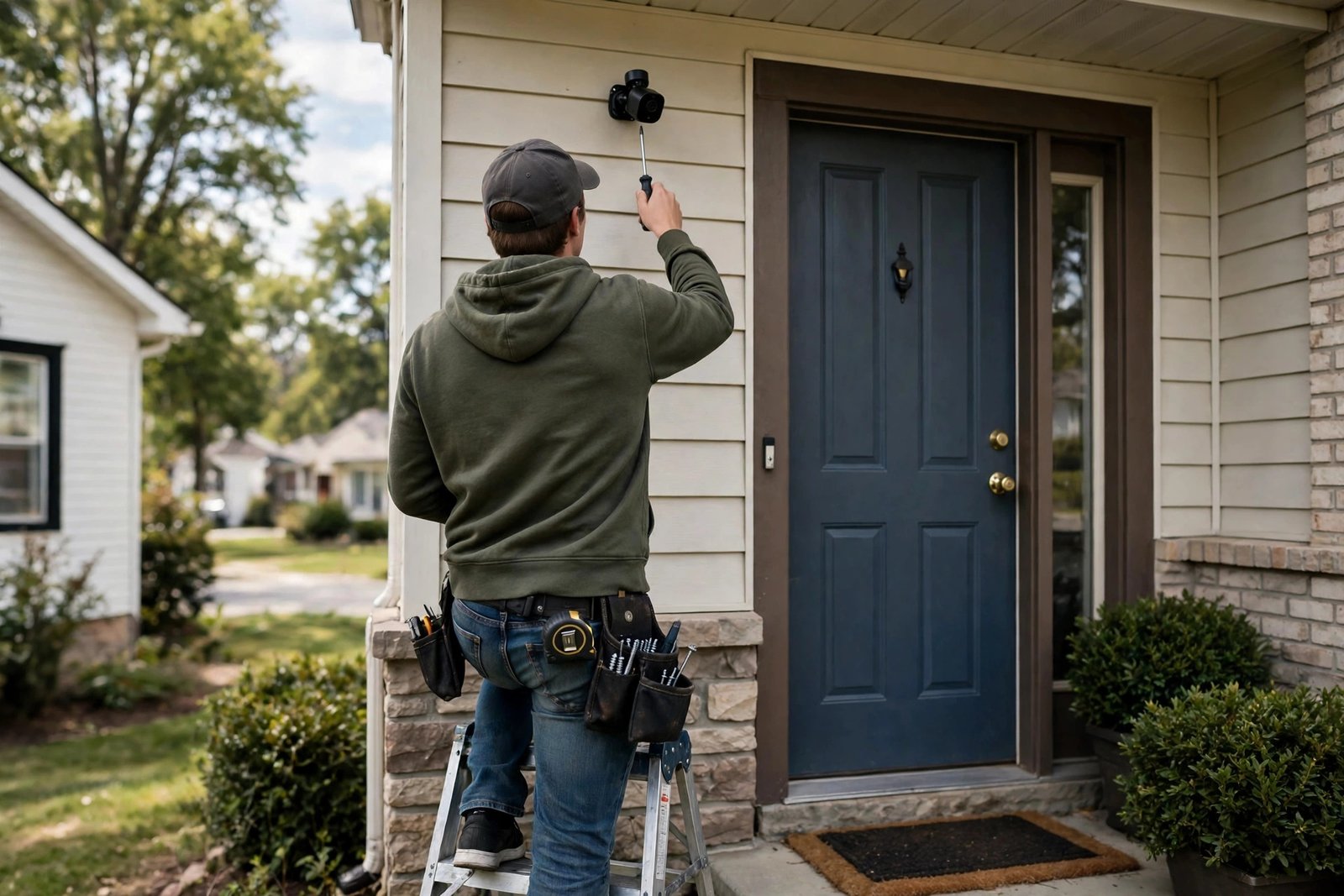
Once your camera arrives, a few setup steps make a big difference. Mount it high enough that it cannot be easily grabbed — around 2.5 to 3 metres — but angled down so faces are visible, not just the tops of heads. Use the motion detection zones in the app to exclude busy roads or trees, which cuts false alerts dramatically. Set recording to motion-triggered rather than continuous on battery cameras to stretch battery life. Finally, test playback from your phone before you consider the job done: a camera that records but will not play back is not protecting anything.
One more tip: buy a spare high-endurance microSD card. Cards do fail eventually, and a spare means a five-minute swap instead of days without recording while a replacement ships.
Frequently Asked Questions
Do any security cameras work fully without a subscription?
Yes. Cameras from Tapo, Wyze, Reolink, eufy, and Lorex all record locally to microSD, a base station, or an NVR with no monthly fee. Core features — live view, motion alerts, and recorded playback — work without a plan. Some advanced AI detections may still require an optional plan.
What is the best home security camera without subscription in 2026?
For most people, the Tapo C120 is the best overall pick: 2K video, local microSD storage, and a low price. For wireless 4K, the Reolink Argus 4 Pro leads; for a full local system, eufy’s HomeBase cameras or a Lorex wired NVR are the strongest choices. The best home security cameras without subscription 2026 all share one trait: your footage stays on hardware you own.
How much money does a no-subscription camera save?
A typical subscription plan costs around $100–$130 per year. Over five years that is roughly $500–$650 per plan, often more than the camera itself. A no-subscription camera costs only the hardware plus a memory card or drive, so the savings grow with every year and every camera you add. Prices are approximate and change over time.
Is local storage safe if someone steals the camera?
A microSD card inside a stolen camera goes with it, which is the main weakness of card-only cameras. Base stations and NVRs solve this by keeping footage inside your home, away from the camera. For critical spots like the front door, a hub or NVR system is the safer choice.
Do no-subscription cameras still send phone alerts?
Yes. Motion and person alerts are sent to your phone for free on all the cameras in this guide. What may require a plan is smarter detection categories — such as vehicle or package detection on some brands — and optional cloud backup.
Can I view no-subscription cameras remotely?
Yes, through the manufacturer’s app over the internet. Remote live view and playback of local recordings work without a subscription. You are streaming from your own hardware, not from a paid cloud service.
Conclusion
Paying a monthly fee forever for a camera you already own is a hard habit to justify in 2026, when local storage is cheap, sharp, and reliable. Whether you start with a single Tapo C120 by the front door, build out a eufy HomeBase system, or wire the whole house with a Lorex NVR, the best home security cameras without subscription 2026 give you the same peace of mind as subscription models — without the permanent bill.
Pick your storage type first, match resolution to the distance you need to cover, and count the five-year cost before you buy. Do that, and you will end up with a system that protects your home and respects your wallet — no subscription required.